If your business already uses Jobber, start by testing Jobber Receptionist. If it runs on Housecall Pro, start with CSR AI. The important comparison is how each product works with its own booking settings and your office process. Changing your entire field-service system for an answering feature requires a much wider business case.
This guide compares official documentation checked September 14, 2026. It is not a hands-on voice-quality ranking. CentralComs publishes the guide and is another option for home-service customer communication. We identify documented differences and give you a test your scheduling team can run before committing.
The main differences to investigate
| Decision | Jobber Receptionist | Housecall Pro CSR AI |
|---|---|---|
| Existing system | Built around Jobber and its booking setup | Built around Housecall Pro and its configured services |
| Booking prerequisites | Online Booking configuration shapes the available booking experience | Booking permissions, enabled services, and booking windows must support the request |
| Approval-sensitive work | Jobber supports assessment requests that require approval; test how your answering setup handles that state | Define which request becomes a booked job or estimate and which must go to staff |
| Escalation | Configured contact and transfer or notification behavior needs a real test | Configurable escalation includes forwarding and other paths; scope depends on setup |
| Buying decision | Evaluate as part of your Jobber workflow and eligible plan | Evaluate as part of your Housecall Pro workflow and enabled account features |
The table combines the Jobber Receptionist documentation, Jobber Online Booking setup, Housecall Pro CSR AI overview, and CSR AI booking guidance. It does not mean every function is enabled by default or included in every account.
One documentation caution matters here: the Housecall Pro overview contains legacy “coming soon” language alongside descriptions of booking settings, while its dedicated booking guide documents active booking requirements. Use the dedicated guide and your account configuration to verify the current behavior. Do not make a buying decision from one introductory sentence.
For Jobber: start with the booking form
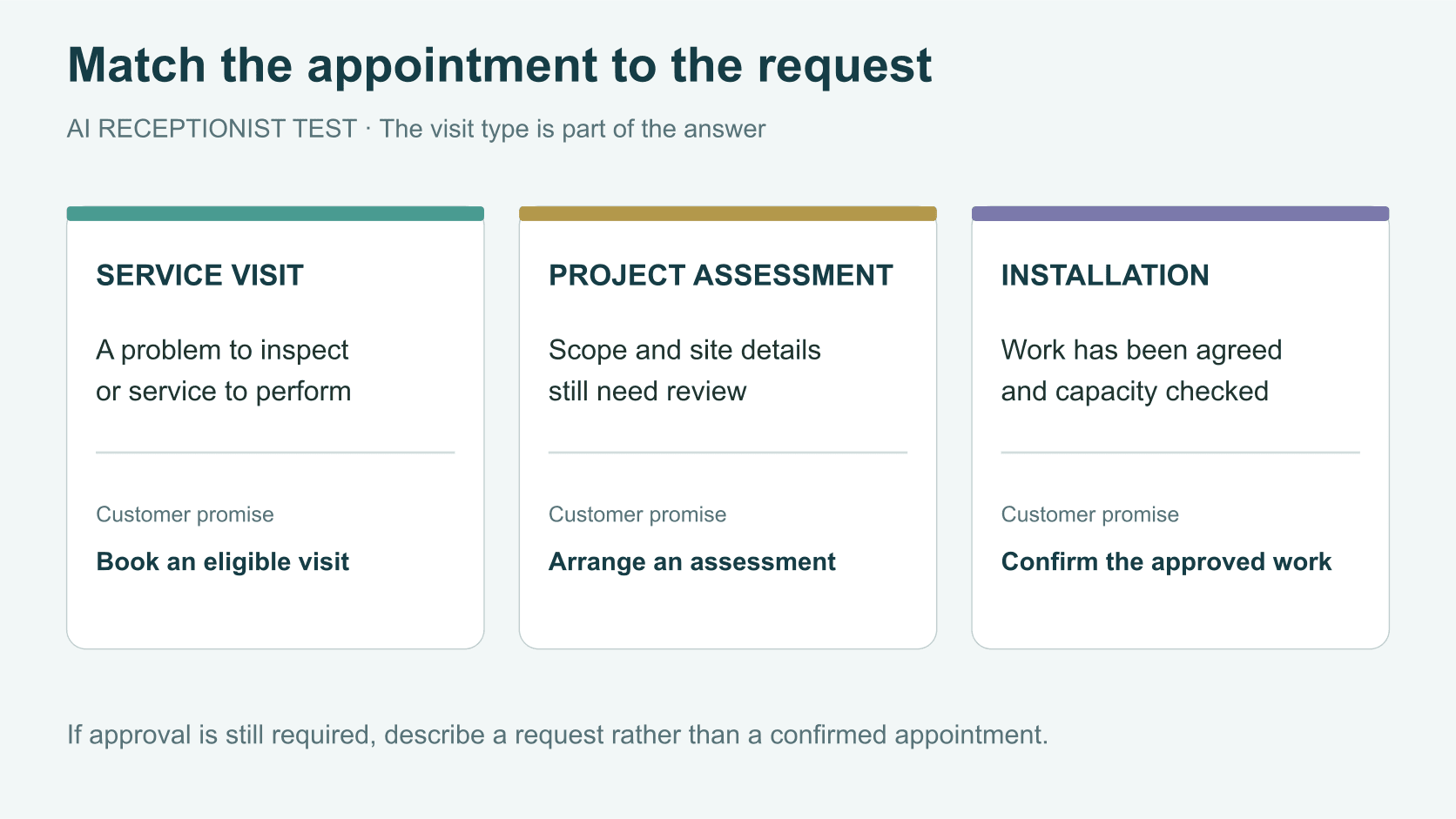
Look at the services and booking experience you have configured in Jobber. Ask which customer requests can go through that path and which should become a request for your staff. A form designed for a simple service visit may not be appropriate for a project that needs an assessment.
Jobber’s assessment guide documents an approval-required state in which a requested time is held pending acceptance. That gives your team a precise trial scenario: can the answering setup preserve that distinction and explain it correctly to the customer? Do not assume support merely because the booking system itself has the feature.
Test with a caller who wants an installation date before the assessment is complete. The desired result may be an assessment request or a staff follow-up, depending on your rules. It should not be a confident promise to complete work whose scope is still unknown.
For Housecall Pro: check permissions and service setup
CSR AI’s booking instructions make service configuration and available booking windows part of the setup. Review the names and descriptions your business uses. A vague line item that makes sense to a dispatcher may not clearly match what a homeowner asks for.
Choose one service you are comfortable booking directly, then test it when a suitable window exists and when the calendar cannot accommodate it. Next, test a service that requires staff review. Check the resulting job or estimate, customer information, and internal notes each time.
Keep rescheduling and cancellation in the test even if your first use case is new leads. Existing customers call the same number. Your team needs to know what changes the tool is allowed to make and what requires a human decision. Review the actual enabled settings rather than assuming every documented action is turned on.
Define three different outcomes
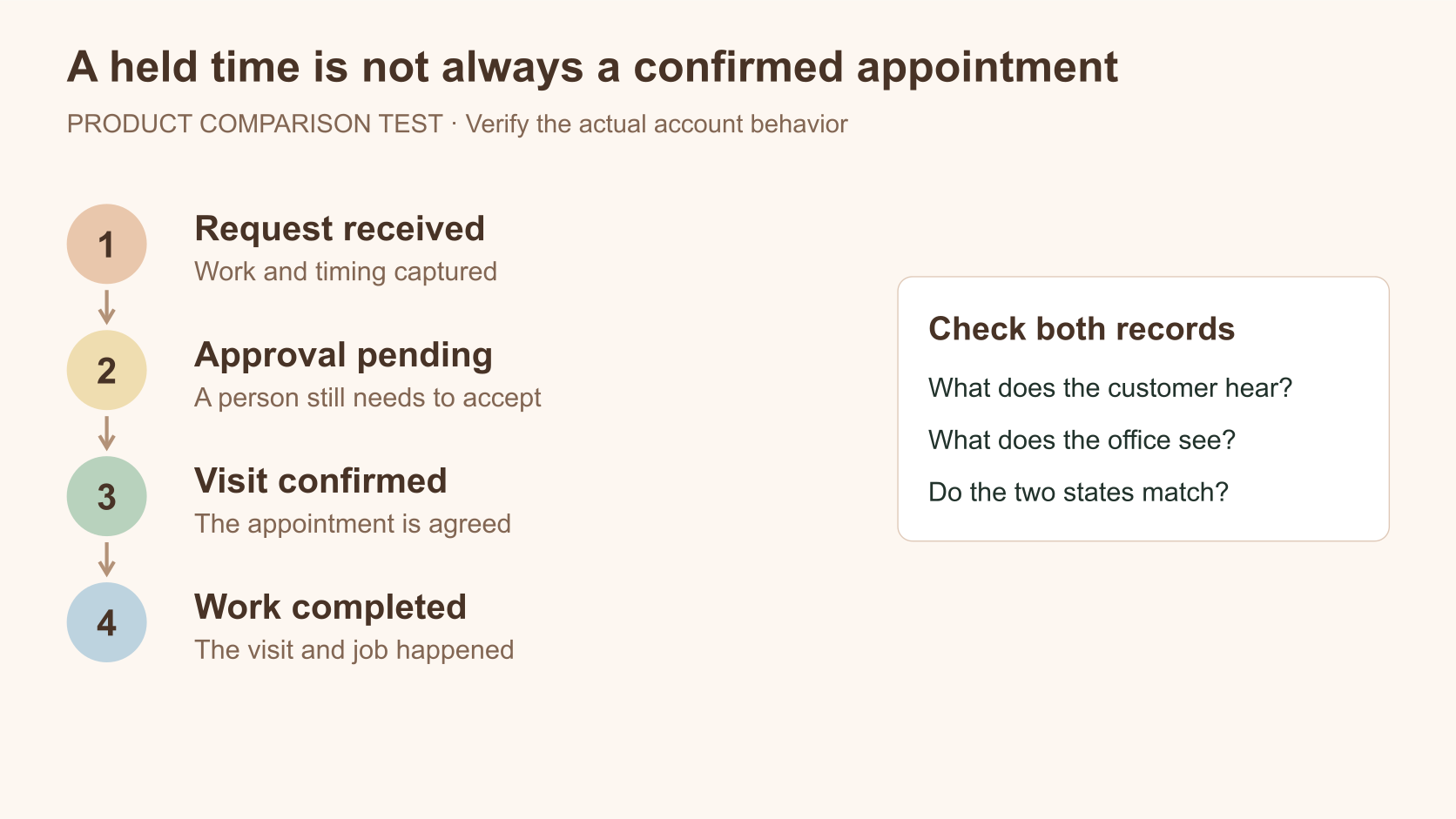
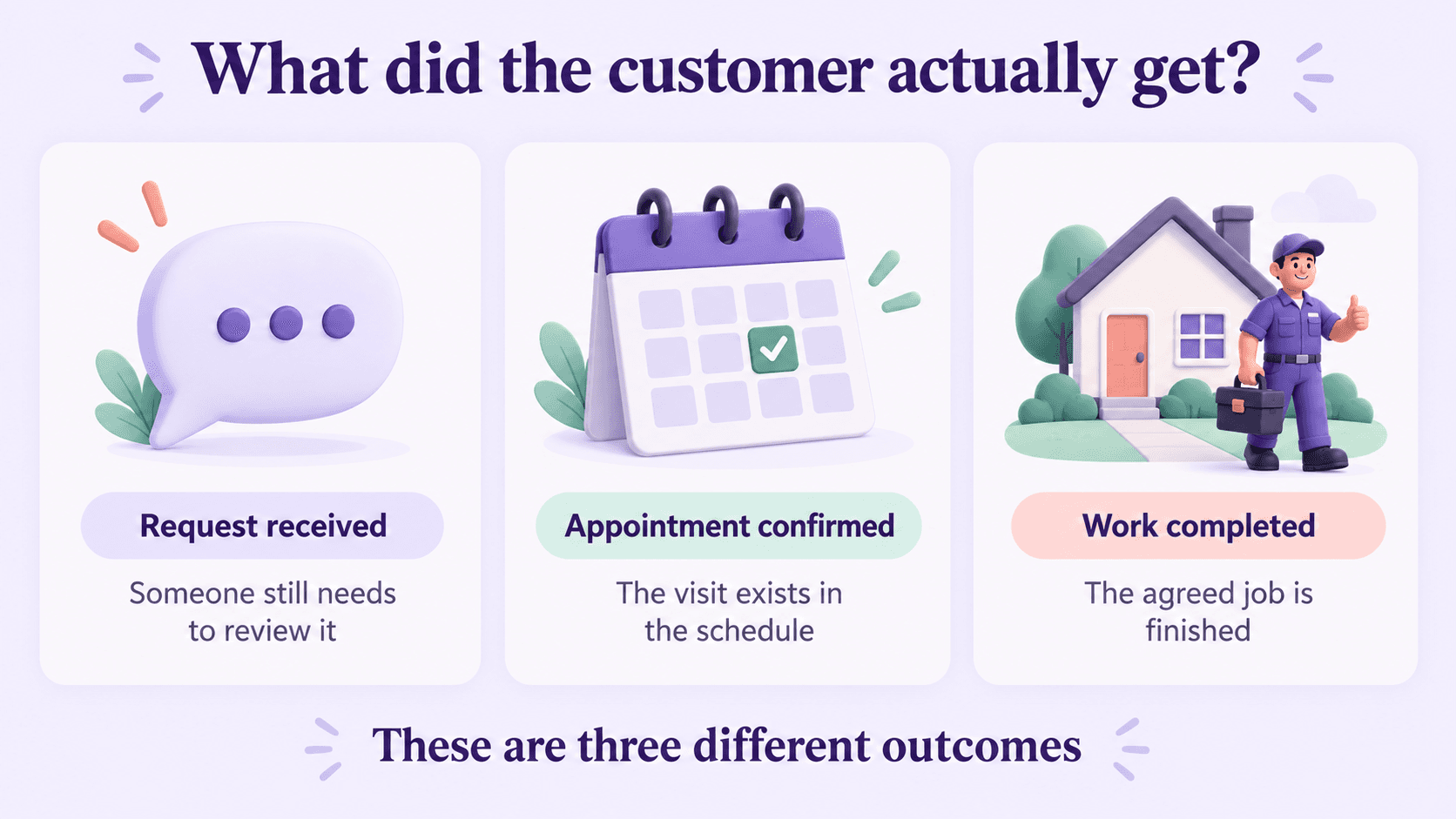
For either product, require the report to distinguish a request received, an appointment confirmed, and work completed. Add “waiting for approval” when the workflow needs it. Those states explain what still needs attention.
An electrician’s project assessment is not an installation. An HVAC replacement consultation is not an accepted replacement proposal. A plumbing repair booking is not proof the job was completed. If your test call creates the wrong state, solve that before judging how many calls the product handles.
Use the lead-conversion guide to define these outcomes consistently. When comparing a before-and-after period, keep the appointment types and measurement window comparable so the report does not improve simply because the definitions changed.
Test escalation when the first person does not answer
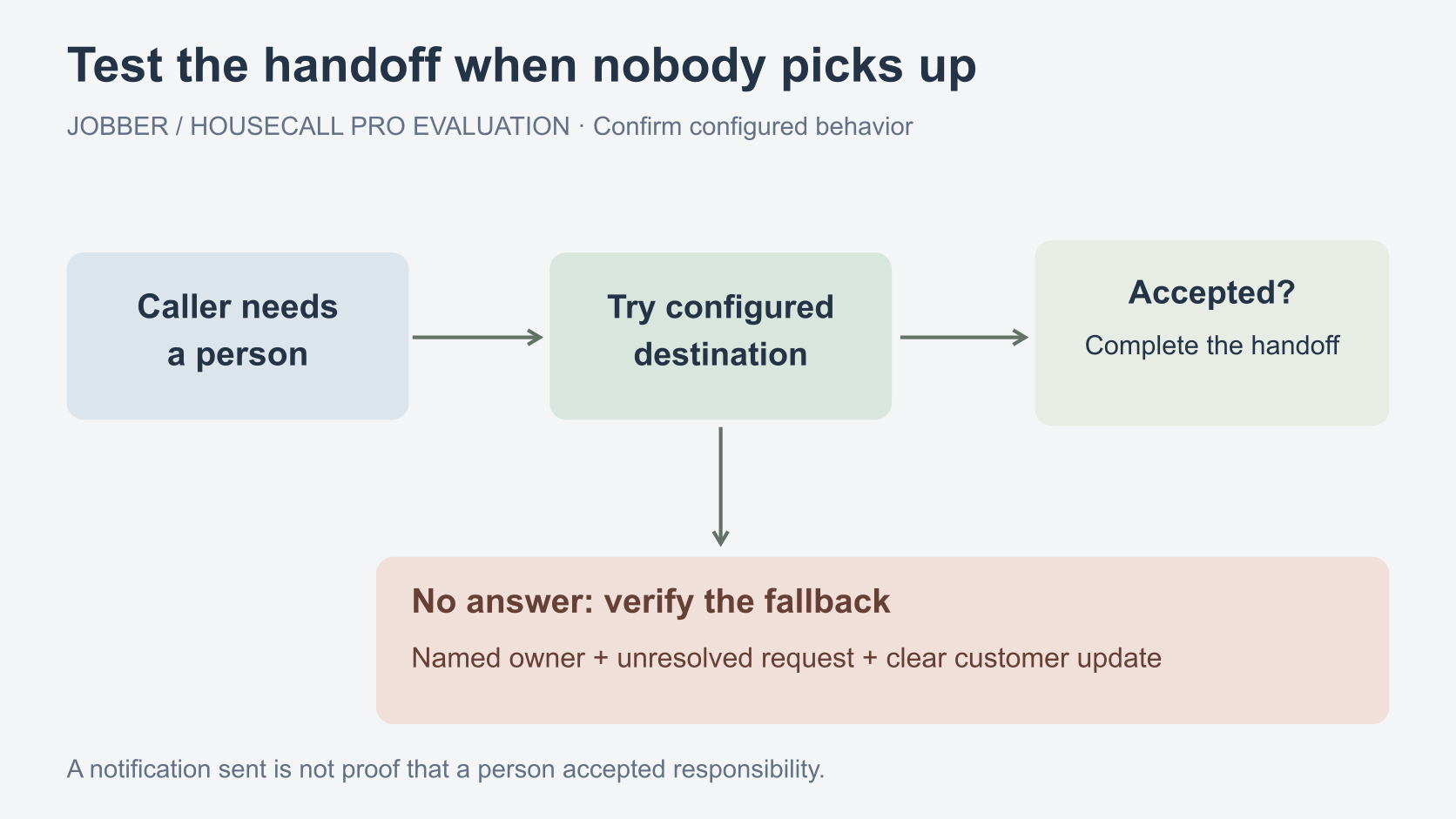
Both evaluations should include a caller asking for a person, a request outside the permitted booking scope, and an unavailable escalation contact. Find out whether the system transfers, creates a follow-up, sends a notification, or records a note. Then inspect who is responsible for the unresolved call.
The Housecall Pro overview distinguishes escalation choices and notes that broader HCP Assist work can require an Assist subscription. Jobber’s documentation also describes configured escalation behavior. Confirm the exact path and cost for your setup, including what happens after hours.
Use a separate, appropriate destination when configuring forwarding and escalation. Check for a loop back into the same answering path. The customer should hear a clear explanation of the next step, and a staff member should be able to find the request without listening to every recording.
Compare the cost of adding versus switching
For an existing customer, start with the incremental cost of enabling the feature and maintaining it. Include the time to prepare service descriptions, booking rules, and escalation ownership. That preparation is part of adopting any answering system.
For a business choosing a new field-service platform, evaluate estimates, scheduling, customer records, payments, reporting, and the team’s daily work as well. A small difference in answering cost does not settle that wider decision. Migration work can outweigh the difference you first noticed in a pricing table.
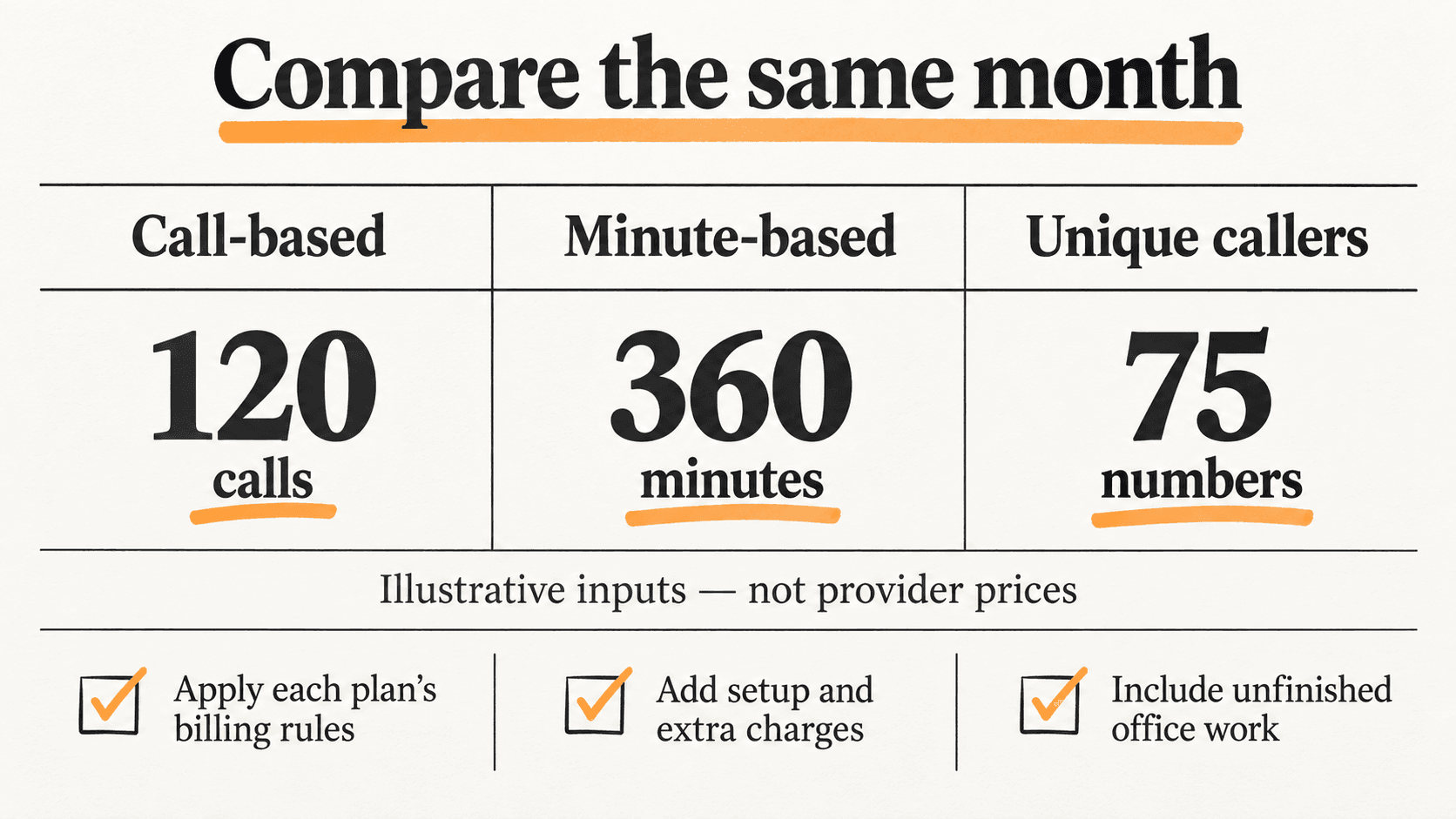
The answering-service cost guide compares billing units and illustrative workloads. Use current provider quotes for your account; this article does not invent a Housecall Pro price where the applicable terms need confirmation.
Decide from the calls your office actually handles
Choose the current platform’s product if it performs the required actions accurately, handles limits clearly, and leaves manageable follow-up work. Consider a separate answering option when your required workflow is not supported or when you need to evaluate communication beyond the native setup.
Use the broader AI receptionist comparison to investigate alternatives. For CentralComs, ask for the same demonstration: real service rules, the correct appointment or request, an unavailable slot, and an unanswered handoff. Confirm integration scope in the proposed setup rather than assuming parity with either native product.
Frequently asked questions
Should I move from Jobber to Housecall Pro just for CSR AI?
Evaluate the whole platform before making that move. Start by testing what your existing system can do, then compare the remaining gap with separate answering options. Answering is one part of the operation.
Does a successful test booking prove every service is ready?
No. Test the different appointment types and exceptions your business handles. An available repair slot does not prove the setup can manage an assessment requiring approval or a reschedule with constraints.
What if the call is answered but staff still have to finish the booking?
That can be a valid workflow if it is intentional. Label the result as a request or follow-up, assign an owner, and tell the customer what happens next. Do not count it as a confirmed appointment.
Sources and further reading
Sources checked . Check current plans and documentation before choosing a service.