The best AI receptionist for a home-service business is the one that handles your actual calls and leaves accurate records your team can use. Start with the scheduling system you already run. Then compare what each option can book, when it needs help, and how that help reaches a person.
A good-sounding demonstration is useful, but it is only one part of the decision. A caller can have a pleasant conversation and still end up with the wrong appointment, an unanswered question, or a request nobody owns. Evaluate the complete path from the incoming call to the next action in your office.
This is a documentation-based comparison, checked September 14, 2026. CentralComs publishes this guide and sells customer communication software. We have not independently tested each provider’s call quality. Recommendations below explain which documented approach is worth investigating for a particular situation, rather than declaring one universal winner.
Start with your existing field-service software
If your business already runs on Jobber or Housecall Pro, evaluate its own answering product first. That gives you a useful baseline for what your current system can do without adding another place to maintain service and scheduling information. It does not mean the built-in option will handle every call you receive.
Jobber Receptionist works with Jobber’s booking setup and can handle calls and texts. Housecall Pro’s CSR AI booking guidance connects booking behavior to the services, permissions, and availability configured in Housecall Pro. Those dependencies matter more than a generic claim that a product “integrates with your CRM.”
An integration can mean saving a note, creating a request, or confirming a real appointment. Ask which record appears, which rules are checked, and what happens when the action fails. A screenshot of a connected account does not answer those questions.
Compare the operating approach
| Option | Useful starting fit | Main question to resolve |
|---|---|---|
| Jobber Receptionist | A Jobber team wanting answering connected to its existing booking setup | Do your services and booking rules cover the calls you want it to handle? |
| Housecall Pro CSR AI | A Housecall Pro team wanting call handling tied to its existing operations | Which booking actions and escalation paths are enabled for your account? |
| Smith.ai AI Receptionist | A business evaluating AI answering with access to live-agent escalation | What happens in the human handoff, and which connections require a different plan? |
| Goodcall | A business comparing configurable phone handling with customer-based usage billing | Can the proposed connection perform your required booking action, rather than only pass data? |
| CentralComs | A home-service team evaluating call answering, booking, and customer follow-up together | Can the demonstration complete your workflow using your actual business rules? |
| Ruby live receptionists | A team that wants people to answer and handle defined receptionist tasks | Which tasks are included, and how does the minute allowance fit your calls? |
Smith.ai’s plan details describe AI answering and human escalation, with plan differences in integration support. Goodcall’s pricing and feature page describes configurable handling and connections, including Zapier. Those are different approaches to setup and usage. Neither description alone establishes that a provider can safely commit a technician to the correct slot in your particular system.
Ruby’s published plans provide a live-answering alternative. Include a human service in the evaluation if a large share of your calls need judgment or extended conversation. Compare its documented task scope with your needs, rather than assuming a person will perform every office responsibility.
Define the appointment before testing the booking
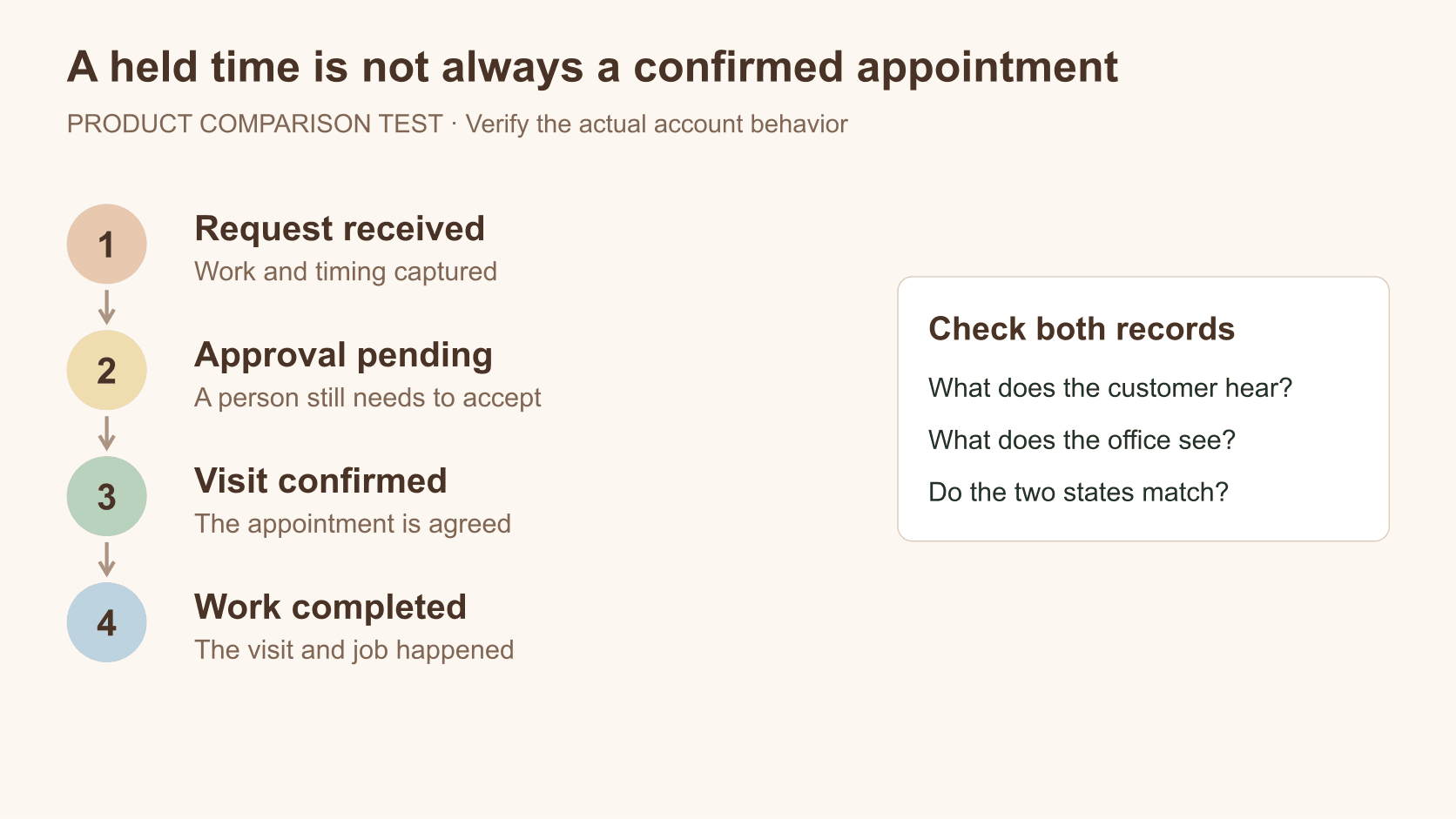
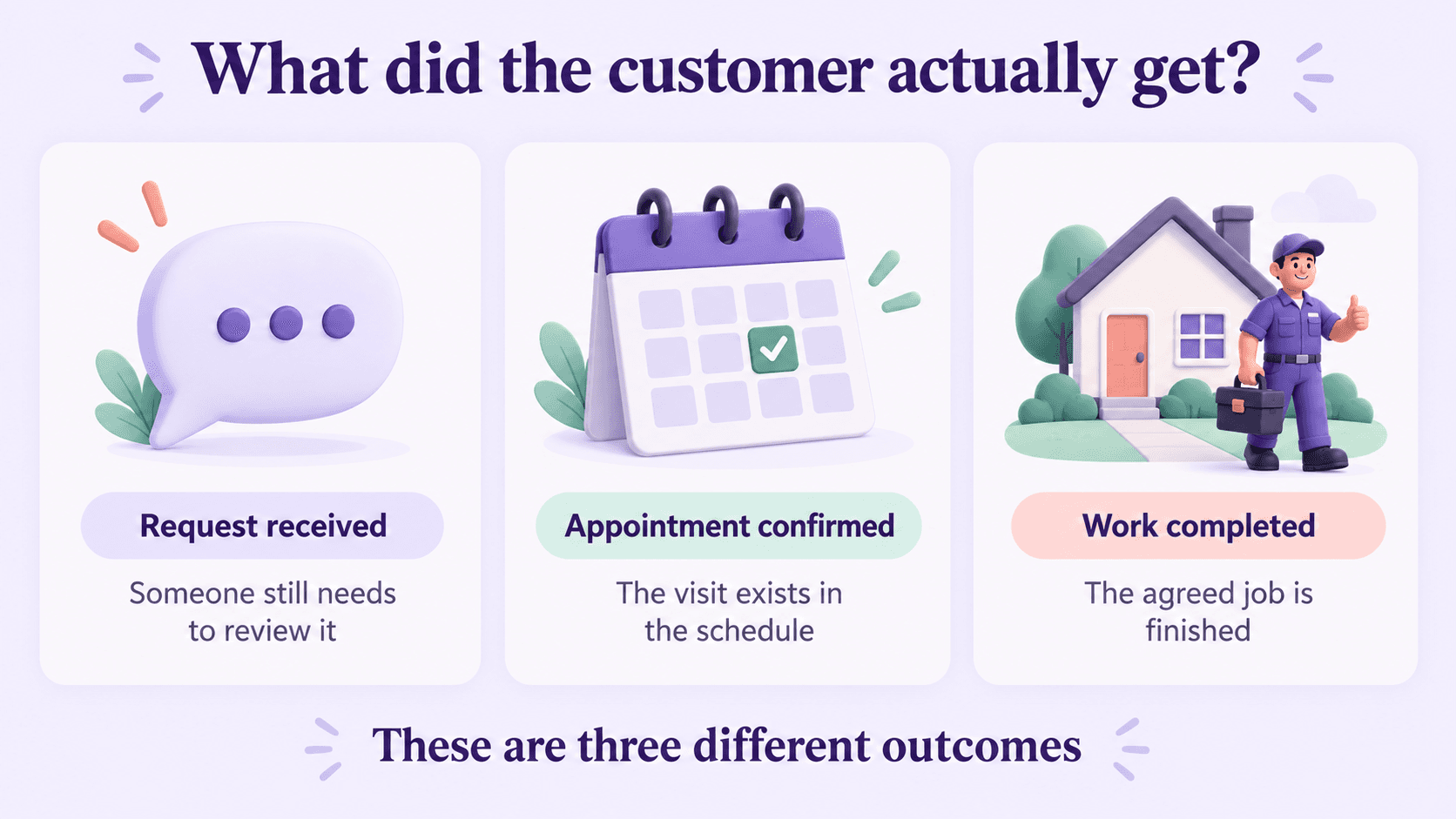
A service request says a customer needs something. A confirmed appointment says your business has committed to a visit. Completed work means the visit and job actually happened. Keep those outcomes separate in the demonstration and in the report you receive afterward.
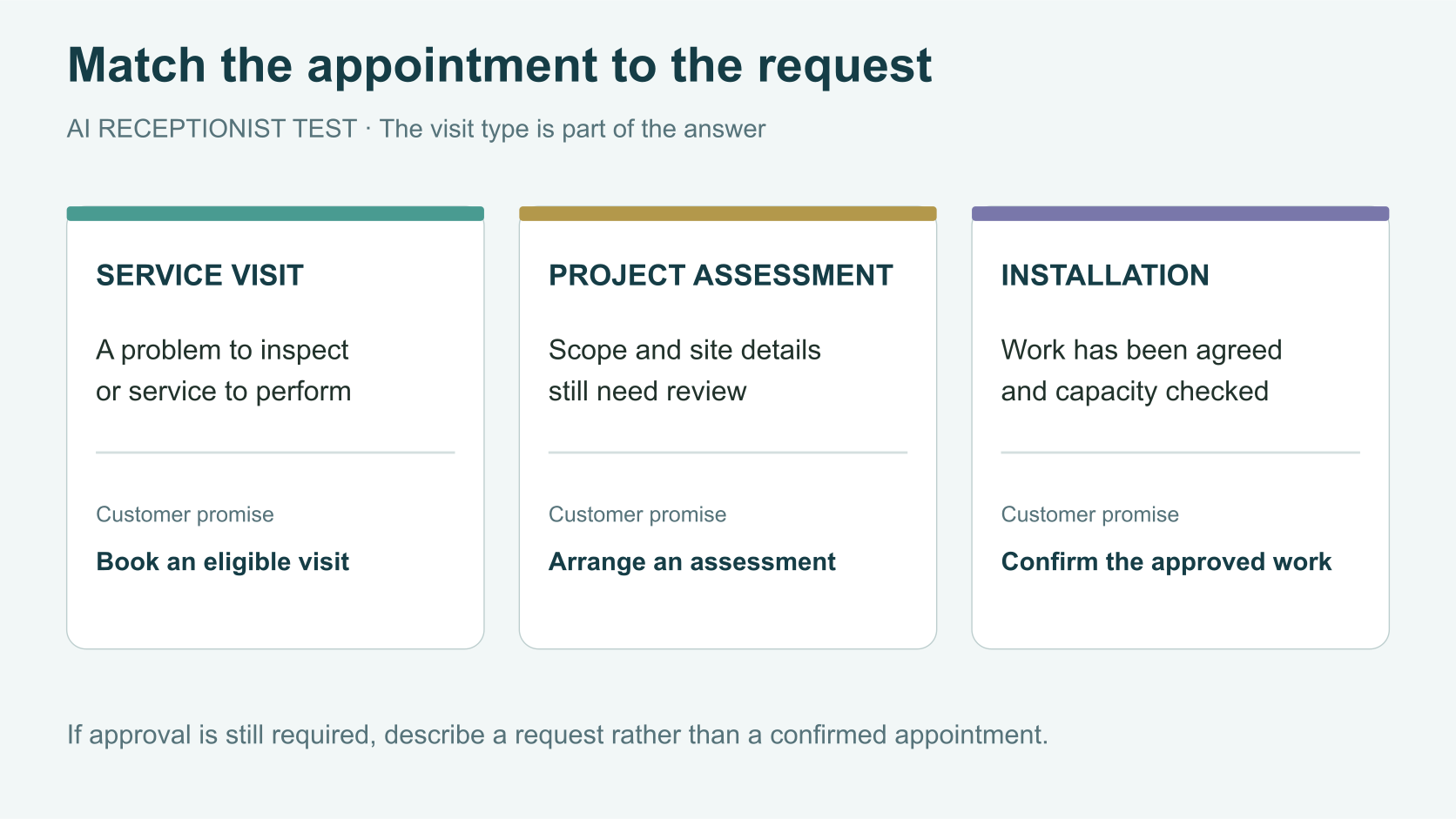
For a straightforward service visit, test whether the product uses your service area, appropriate appointment type, and available windows. For replacement or installation work, decide whether the caller should receive an assessment. Do not let a demonstration silently turn an assessment request into a promise to complete an installation.
Jobber’s assessment documentation offers a concrete example of this distinction: an assessment configured to require approval can hold a requested time while waiting for acceptance. A held request is not the same as an approved appointment. Ask every provider to show the customer message and the office record for both states.
Run a short test using difficult but ordinary calls
Choose calls your office recognizes. Include a new customer inside your area, one outside it, a caller asking about a job already booked, a reschedule, a full calendar, and a project that needs an assessment. Add a call where the customer asks to speak with a person.
For each scenario, record the request, the answer, the action taken, and the resulting record. Have the person responsible for scheduling check it. They are more likely to notice a wrong visit type or an impractical time than someone judging only the voice.
Then change one condition. Remove availability, change a service description, or make the handoff contact unavailable. The point is to find how the system handles a limit. A tool that stops and creates a clear owned follow-up may fit your operation better than one that gives an unsupported answer.
Check what reaches a human
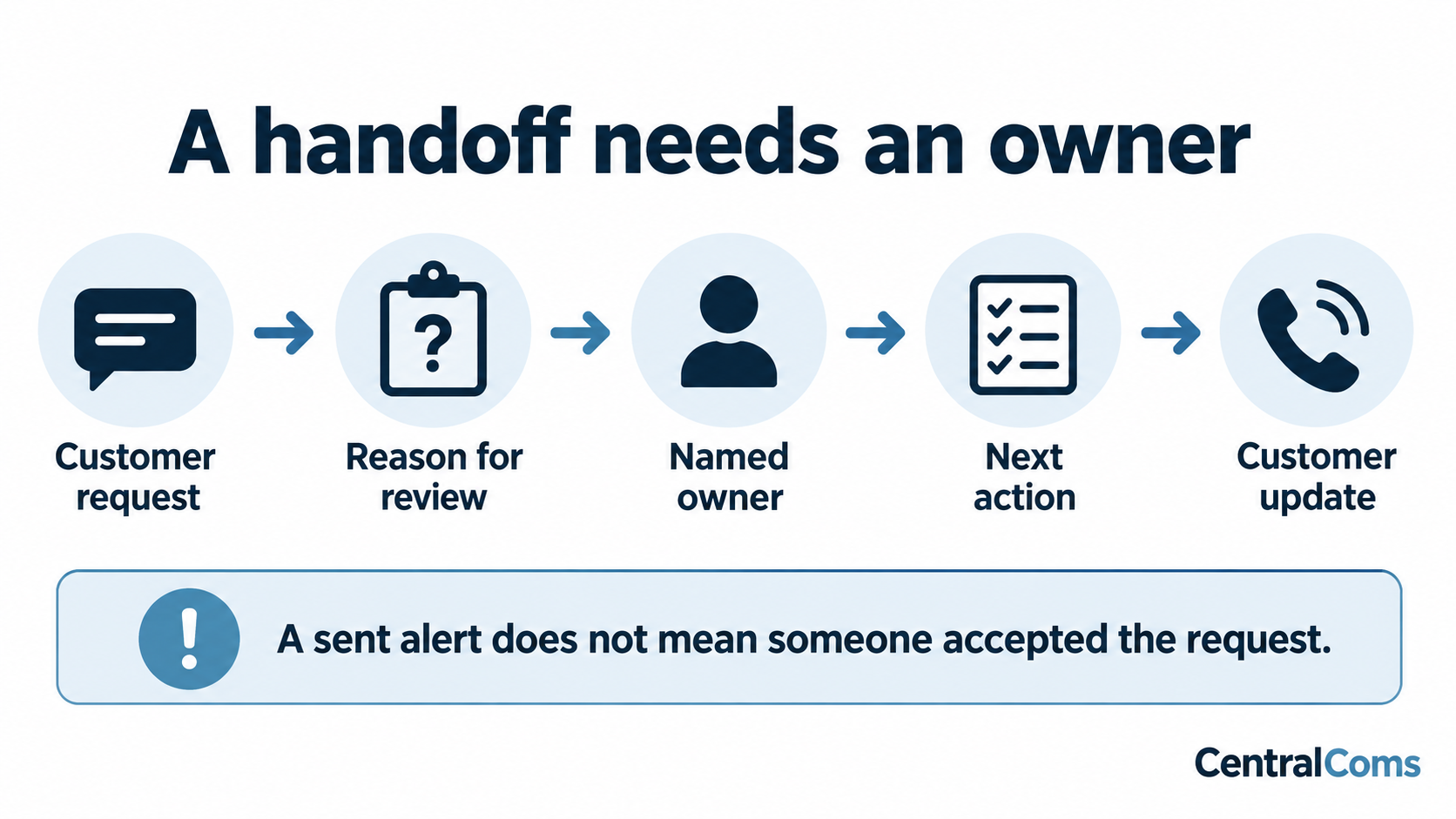
Ask whether escalation is a live transfer, a text alert, a task, or a note. Those are different outcomes. Find out who owns the follow-up and what the caller hears when nobody accepts it. Test business hours and after-hours behavior separately.
The Housecall Pro overview describes configurable escalation paths. Use it as a reminder to inspect the actual account settings. An available escalation option is not evidence that your chosen destination is staffed or that an unanswered transfer creates the right next step.
Review failed and incomplete calls during the trial. If the report only counts calls answered, use the lead-conversion guide to add booking and completion outcomes. Better reporting makes it easier to decide whether the product is helping the office.
Make the buying decision from fit and total work
For an existing Jobber or Housecall Pro customer, begin with the native product and read the direct comparison. For a different scheduling setup, require the provider to demonstrate the exact action you need in that system. For a high volume of exceptions, put the escalation trial ahead of voice preferences.
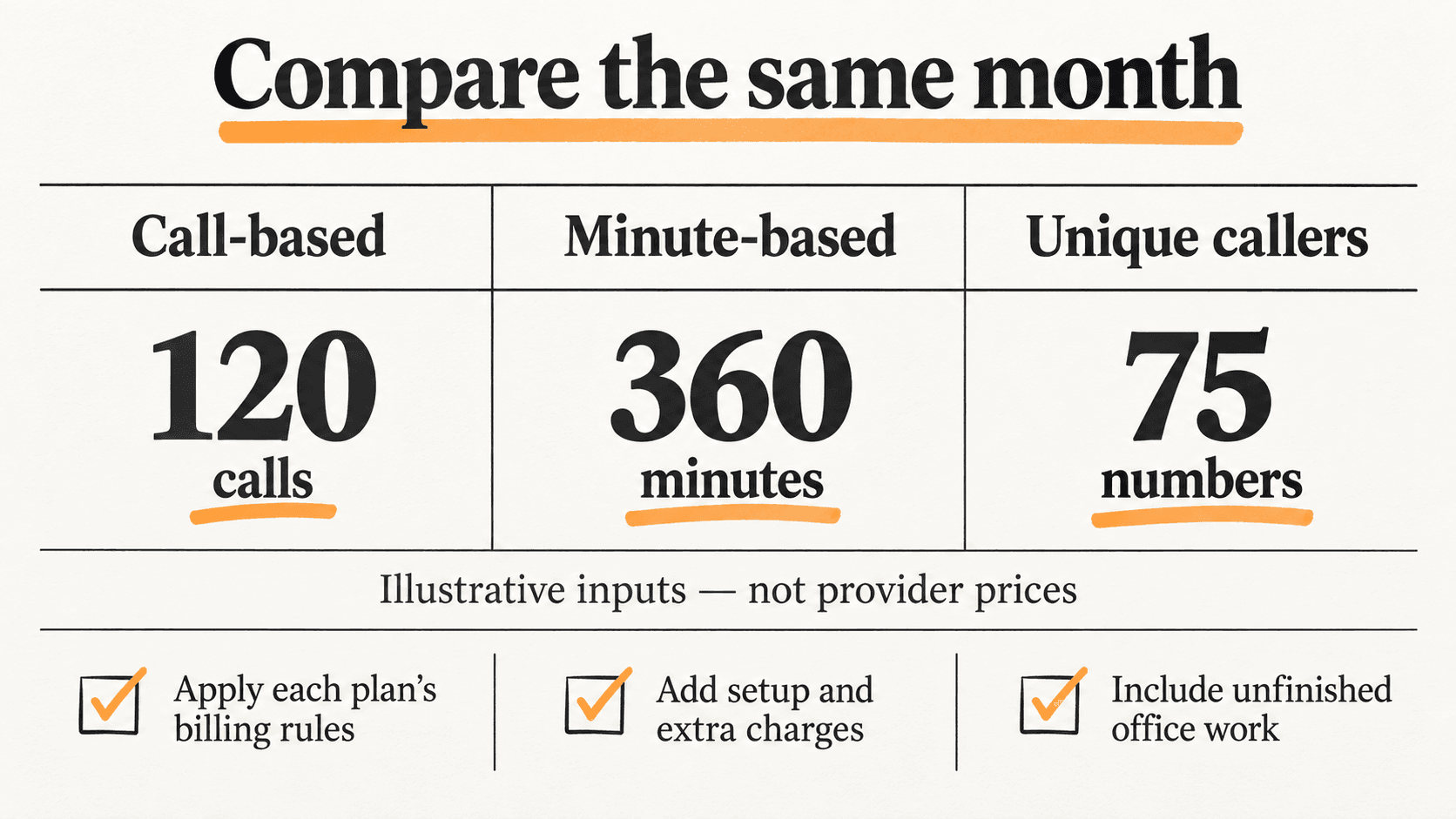
Use the answering-service cost comparison after establishing task fit. A lower subscription can be poor value if your office must re-enter every request. A more expensive plan can also be unnecessary if all you need is reliable message capture during a small overflow window.
For CentralComs, bring the same scenarios and apply the same standard. Ask to see the conversation, booking or follow-up, and resulting record. Confirm the systems and tasks included in the proposed setup before treating them as available capabilities.
Frequently asked questions
Can an AI receptionist replace my office manager?
Only compare it with the responsibilities it can actually perform. Vendor coordination, billing questions, schedule judgment, and staff supervision may remain with your team. Map the work before deciding whether a staffing change makes sense.
Should I choose the most natural voice?
Voice quality affects the customer experience, but it does not establish booking accuracy or reliable handoffs. Test both the conversation and its result. Include unclear requests and unavailable appointments in the evaluation.
Does a CRM integration mean the receptionist can book jobs?
No. It may only create contacts, notes, or requests. Ask for a live demonstration of the exact record, availability check, and customer confirmation your business requires.
Sources and further reading
Sources checked . Check current plans and documentation before choosing a service.