Google Local Services Ads can bring a contractor phone and message inquiries, but a paid lead is not the same thing as a booked job. Set up the receiving phone, message inbox, service eligibility, and outcome tracking before judging whether more budget will help.
This guide focuses on what happens after a homeowner contacts you. Use Google’s current setup and eligibility instructions for your category and market. The goal here is to make paid inquiries traceable from first contact to the work your company actually completes.
Know what you are paying for
Google charges for valid Local Services leads. Its documentation includes calls, messages, meaningful automated interactions, and certain other contact paths. It also lists examples that are not automatically creditable, including relevant price research and valid inquiries outside business hours.
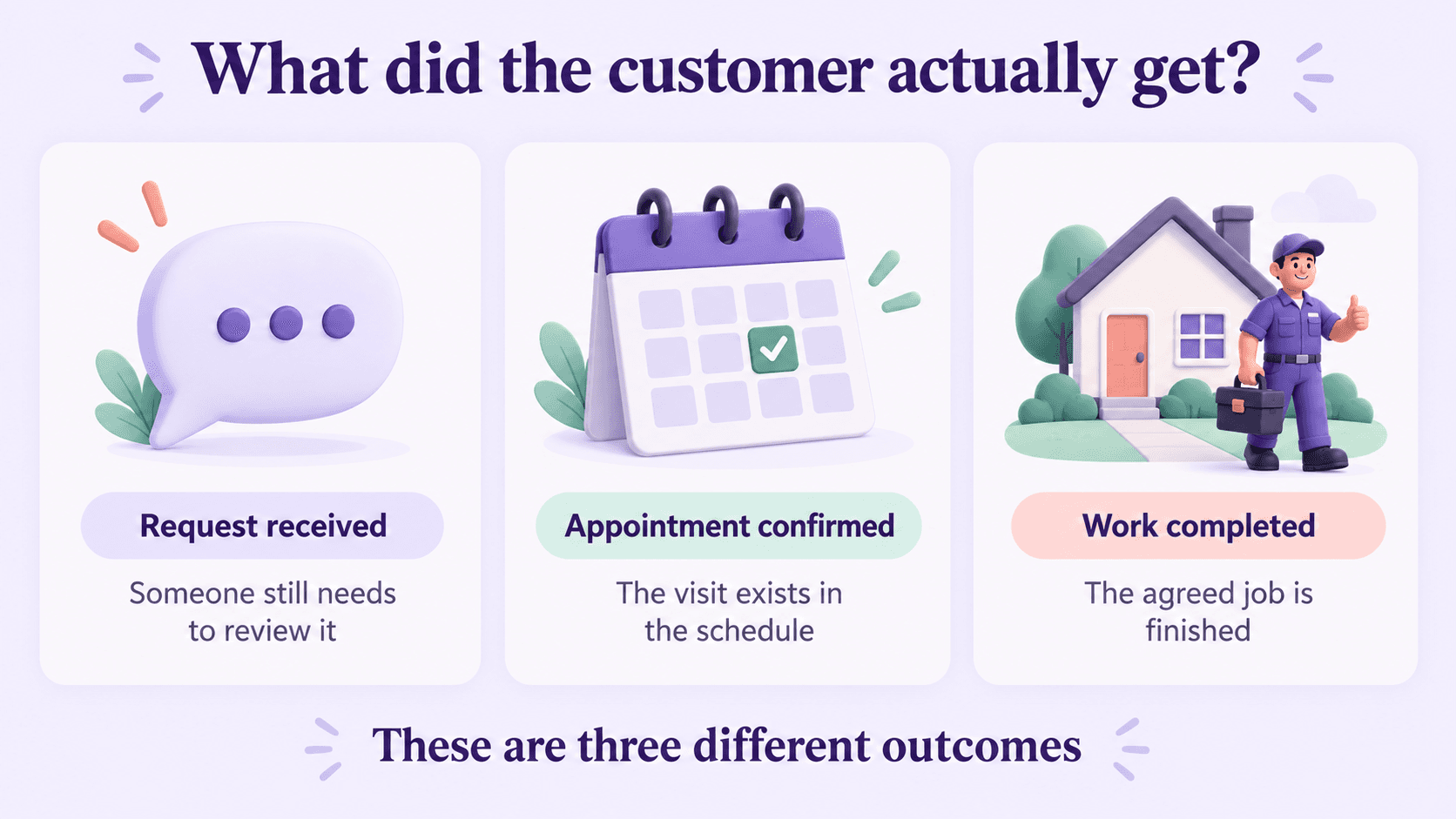
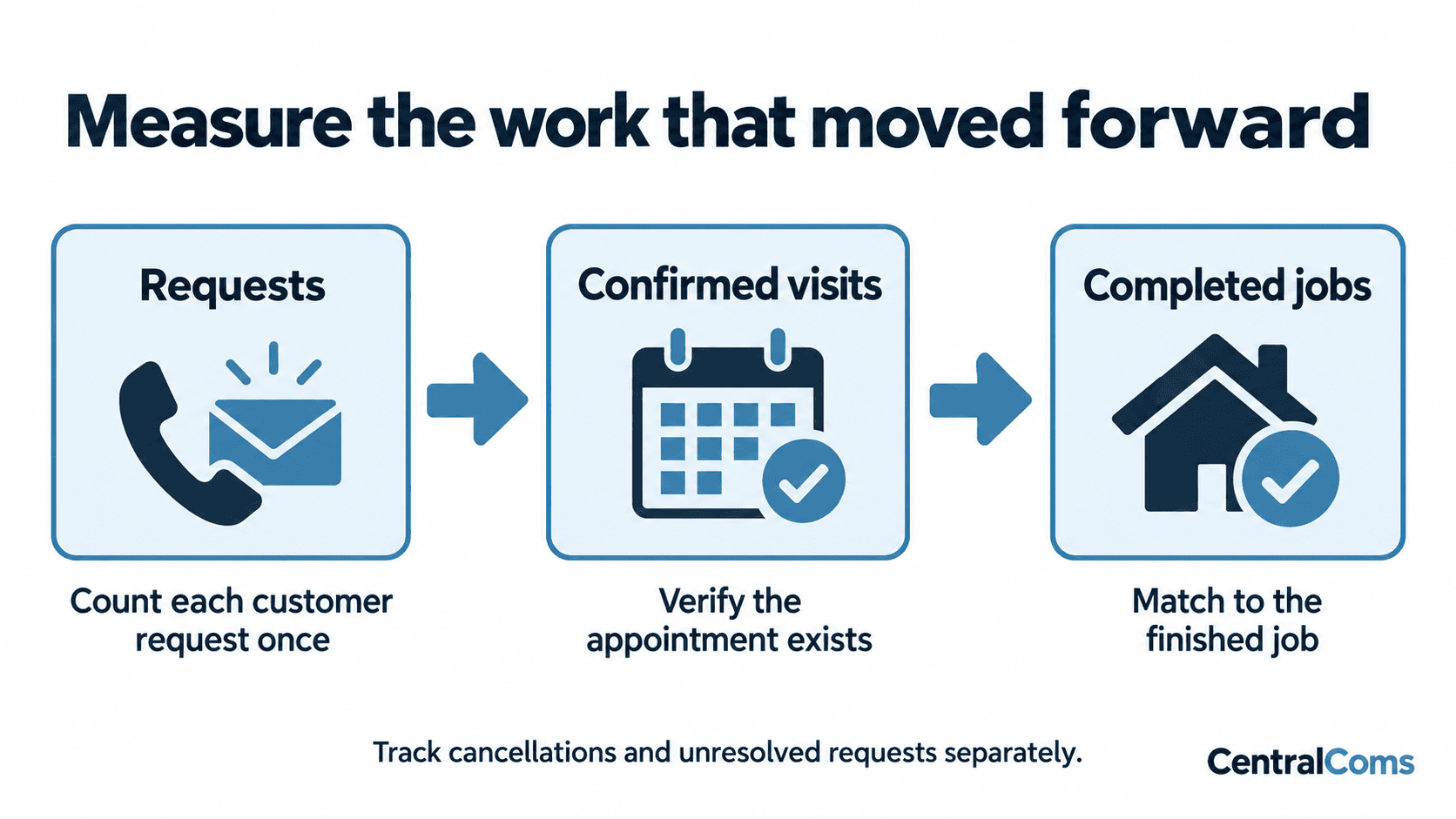
The operational lesson is to keep two records: Google’s billing status and your own commercial outcome. “Charged,” “contacted,” “booked,” and “completed” describe different things. A customer can produce a valid lead without choosing your company.
Do not build a process around assuming every unbooked call will be refunded. Review the current credit rules and the individual lead. If the issue is that your schedule was full or your office did not follow up, investigate that cause rather than labeling all those inquiries low quality.
Make the receiving path work before raising spend
Google’s lead-management guide explains that calls use a Google forwarding number and that messages appear in the lead inbox with notifications. Test the actual path your business uses, including any phone forwarding and the account that receives message notifications.
| Test | What to verify | Failure to catch |
|---|---|---|
| Call while the office is open | The right person or service answers | Ringing at an unattended extension |
| Call during overflow | The fallback preserves the request | A transfer that returns to the original queue |
| Message inquiry | A responsible person sees and answers it | Notification sent to an unused account |
| After-hours inquiry | The customer hears an accurate next step | A visit promised without field coverage |
| Existing customer calls again | The conversation stays connected | Duplicate opportunities and conflicting messages |
Record what the customer hears and what your team receives. A routing setup that looks right in settings can still produce an unusable experience when someone calls from outside the business.
Respond to the job the homeowner already described
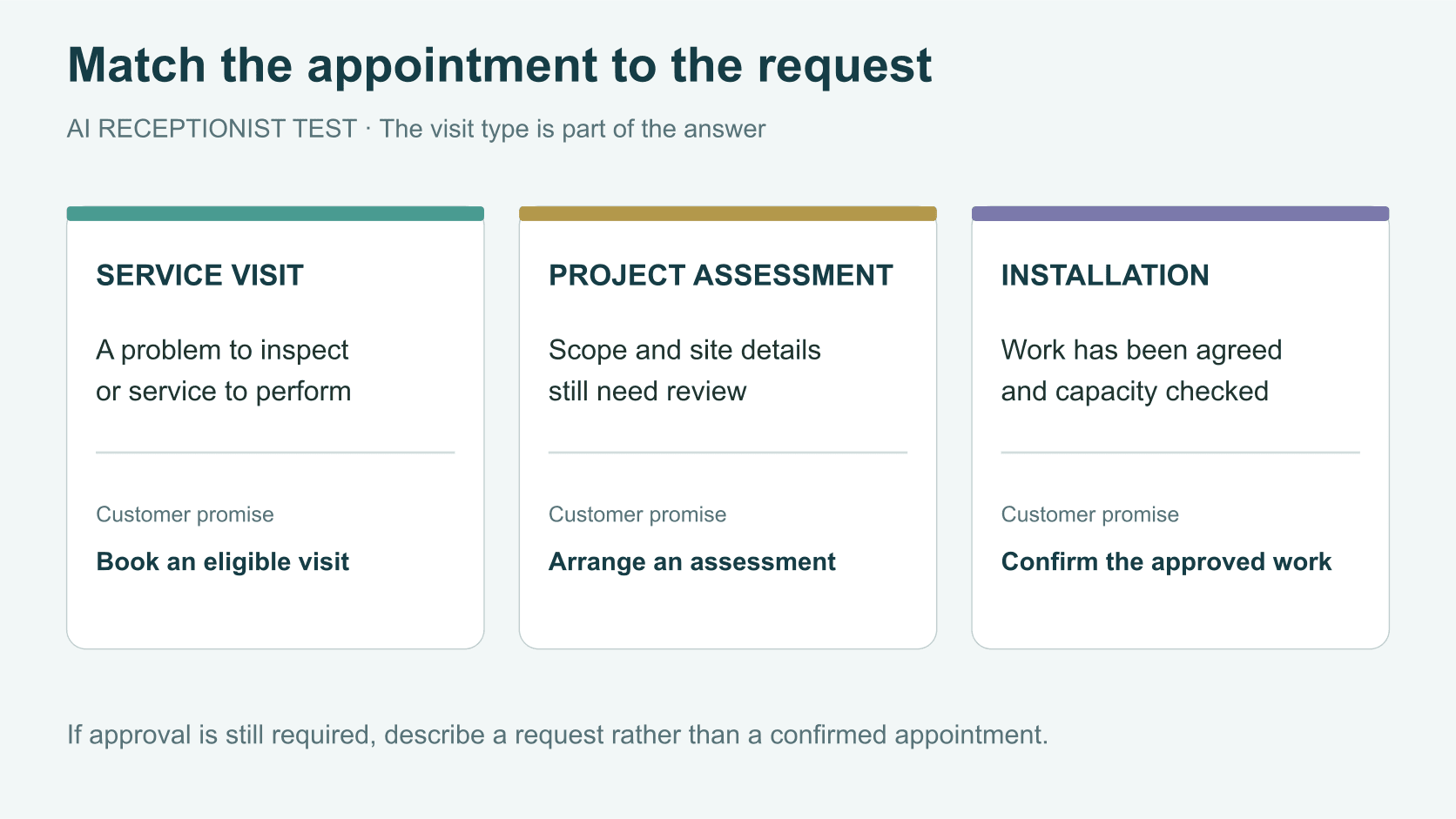
Use the information in the lead. If the homeowner supplied a ZIP code and problem description, start with the missing detail that determines whether you can help. Ask about the service address, appropriate visit, access, or required approval as needed.
A useful first response to a paid inquiry
Hi [Name], this is [Company]. We received your request about [specific work]. We serve [confirmed area]. Could you confirm [one missing detail] so we can check the right next step?
If you can offer a suitable appointment, state the actual visit and window. If the request needs review, name that next step and its owner. Avoid sending a generic receipt and then treating the response task as finished. The lead-conversion guide explains that distinction in more detail.
Treat responsiveness as part of the campaign
Google includes responsiveness in Local Services ad ranking and says missed calls may negatively affect it. That does not provide a formula predicting how one unanswered call changes your position. It does mean phone and inbox handling belong in the advertising review.
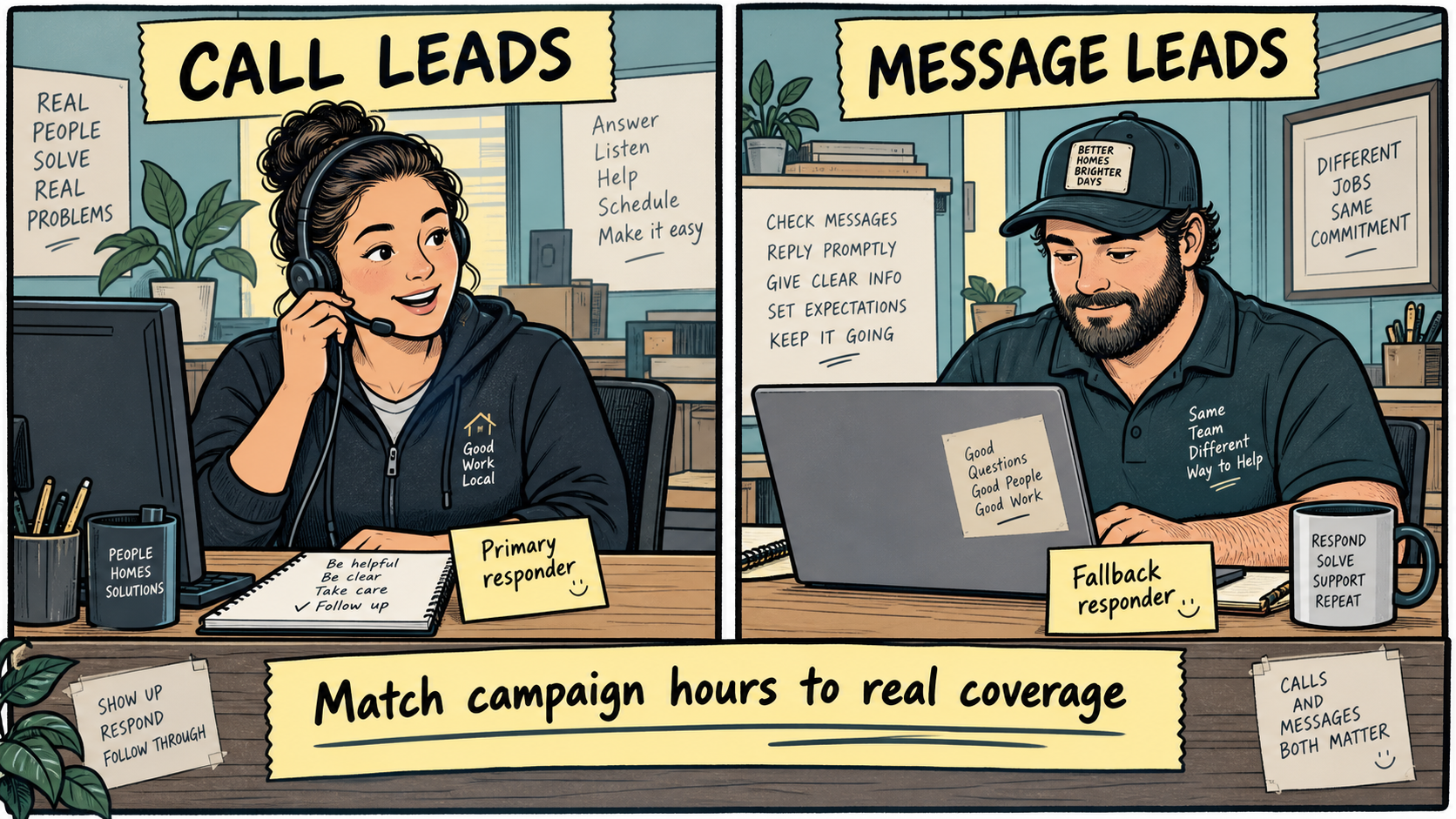
Review the hours when inquiries arrive and compare them with the coverage you actually have. A company may answer after hours while only offering next-day scheduling; another may have an on-call team. Make the promise match the service. Change campaign availability or coverage when your business cannot reliably process the demand.
Do not assume enabling another contact channel solves the problem by itself. A message lead needs someone to continue the conversation. Assign a primary responder and a fallback, and review requests still waiting on the company.
Measure cost per completed job
Create a row for each distinct opportunity, retaining its Google lead reference where available. Record service requested, lead charge or credit, qualification, booking, completion, and the reason if it does not progress. Link repeat contacts to the same opportunity.
Use these calculations with your own records:
- Cost per paid lead = net lead spend divided by charged leads.
- Cost per qualified opportunity = net lead spend divided by distinct qualified opportunities.
- Cost per completed job = net lead spend divided by completed jobs attributed under your stated rules.
- Booking rate = confirmed bookings divided by the eligible opportunities in the same cohort.
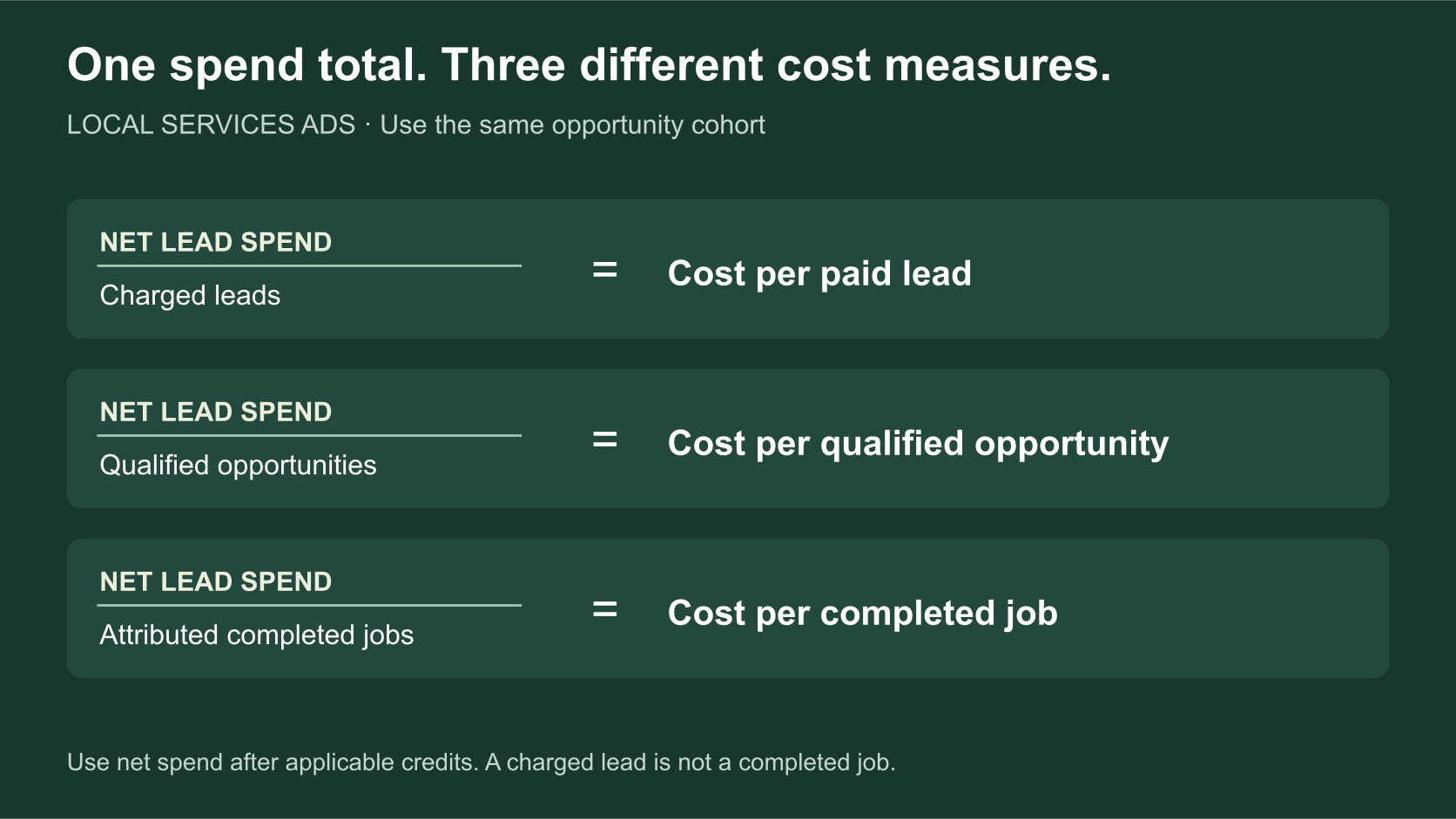
These measures answer different questions: what a paid lead costs, what a suitable opportunity costs, and what completed work costs. Use your own records rather than treating any one of them as a Google benchmark. Include the type of work and its direct costs before deciding which campaign is more valuable.
For a consistent reporting model across ads, organic search, and referrals, use home-service call tracking.
Diagnose the result before changing the budget
Wrong-service or wrong-area inquiries point toward profile and targeting review. Qualified customers who cannot get a suitable visit point toward capacity or booking rules. Unanswered messages point toward response ownership. Proposals waiting on your estimator point toward follow-up.
Review a small sample of each loss reason. Include a few successful jobs so you understand what the working path looks like. Increase spend only when the current path can handle more suitable demand and the job economics support it.
CentralComs can be evaluated for the answering and follow-up portion of this path. Ask for a test that includes the real forwarding setup, an available booking, a full schedule, and a customer who needs a person. The AI receptionist guide compares the product choices.
Frequently asked questions
Does Google charge only when we book the job?
No. Local Services Ads use valid-lead charging. Keep the platform’s lead and billing definitions separate from your appointment and completed-work reporting.
Is an after-hours inquiry automatically invalid?
No. Google explicitly lists valid leads outside business hours among examples that are not creditable simply for that reason. Review current rules and keep your advertised availability aligned with how you handle inquiries.
Should we turn on message leads?
Consider them when you can reliably receive, answer, and continue the conversation. Test notifications and assign ownership first. Adding a channel creates another customer response responsibility.
Sources and further reading
Sources checked . Check current plans and documentation before choosing a service.